AI for architects. 3 ways to use it on your next project.
Follow one renovation with me, from the first client meeting to the first round of revisions. You watch. AI drafts. You decide.
 Hosted by Bojan KujundžićPractising architect, BK STUDIO, Ljubljana
Save your free seat
Thursday 14 January 2027 · 19:00 CET · 60 min · replay for 48 h
Three reasons architects put off AI. Here’s what helps.
“I don’t have time to learn another tool.”
Projects, site visits, clients. AI keeps sliding to next month.
One hour, one renovation project, nothing to install.
“I tried ChatGPT once. It made things up.”
A confident wrong answer is worse than no answer.
You’ll see how to check every draft against its source.
“My work is too specific for AI.”
Demos about marketing emails don’t help an architect.
Everything is shown on a renovation, from brief to revision.
Your input. AI drafts. You decide.
Three moments every architect knows. Click one, or let them play.
Notes from the first meeting
– kitchen open to the garden
– 2 kids + home office for 1
– budget around 180k?
– maybe a skylight over the stairs
with your rules
Project brief · draft 1
✓ You check every line, then send it to the client.
Your pen sketch, photographed
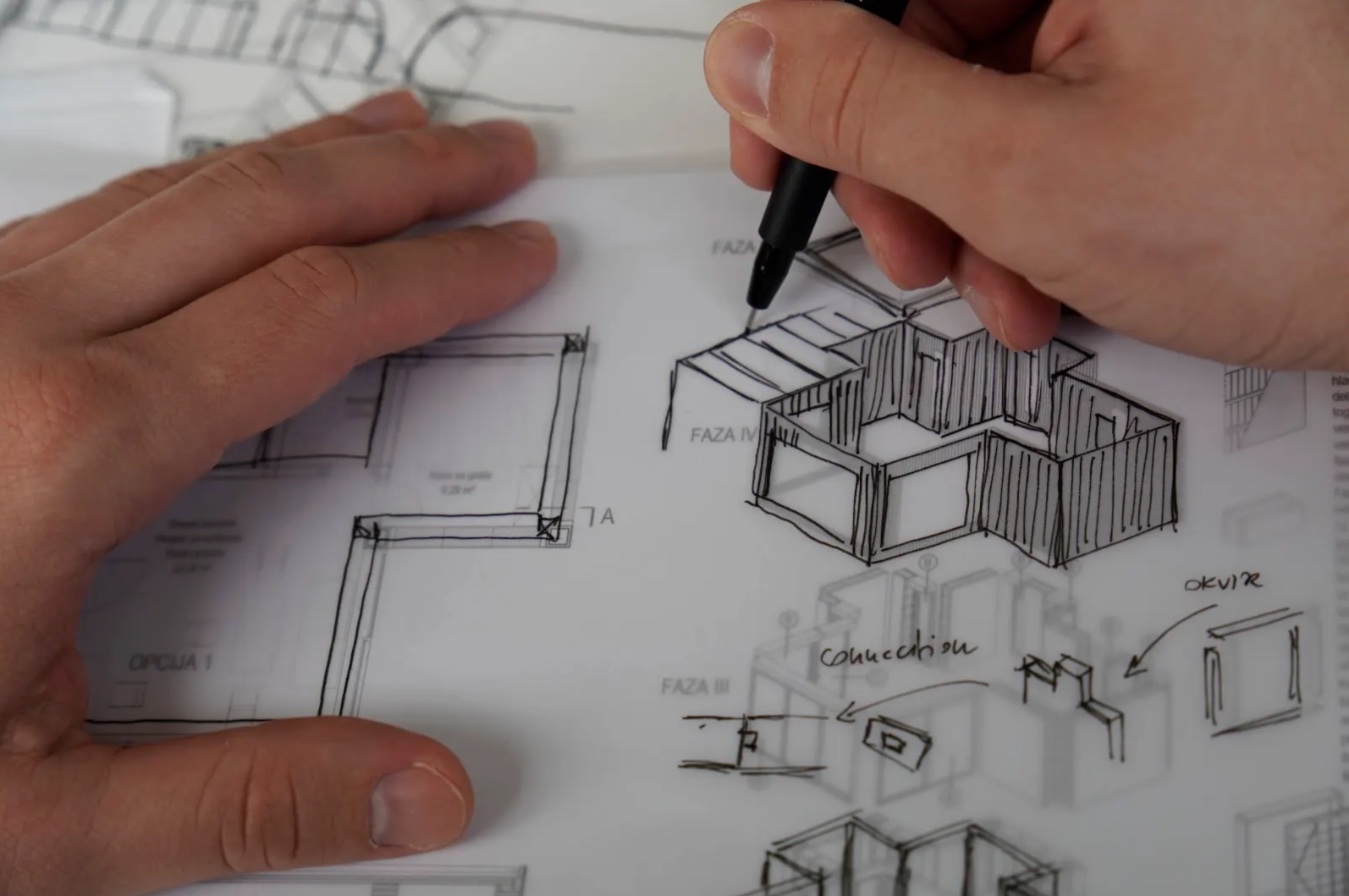
from your drawing
Two material options
The client’s email
Love it! Could the kitchen window be bigger? And maybe move the door to the office a bit. Also, can we keep the old ceiling beams? And the colour of the tiles, we’ll talk.
every comment
Revision checklist · v3
When a client’s “maybe” becomes a “must”.
A possibility in the meeting turns into a requirement in the brief. You’ll see how to catch it before the client does.
“Maybe a skylight over the stairs? We’ll see.”
Skylight over the stairs: required.! Check
Skylight: mentioned as a possibility. Confirm with the client.
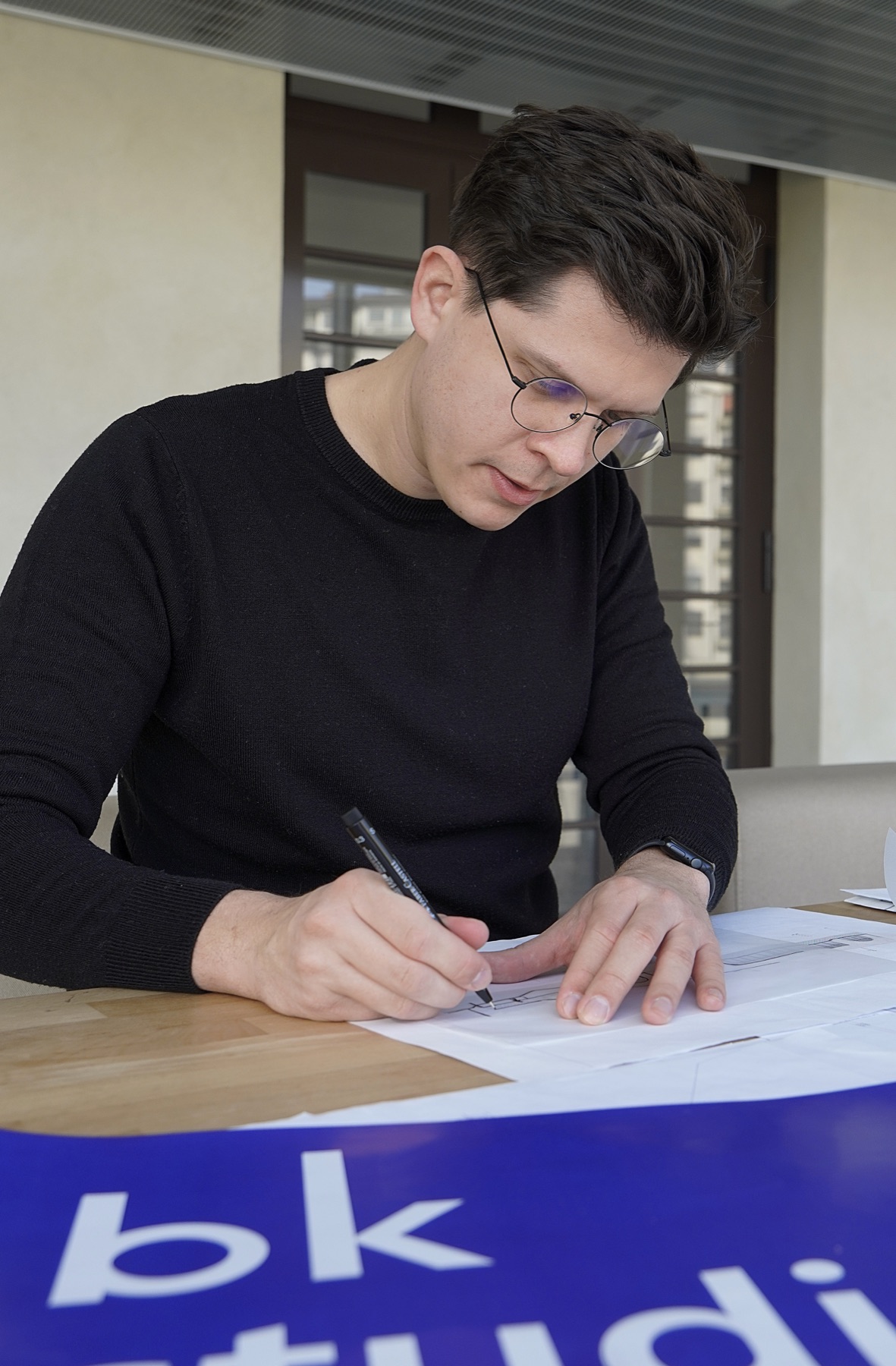
Learn it from an architect, not a tech person.
I’m Bojan. I run BK STUDIO in Ljubljana and work on real projects every day, from interiors to permit and construction drawings.
Most of my week isn’t design. It’s briefs, documentation, coordination and email. So I use AI on my own projects: it drafts and checks, I decide and sign.
Bojan Kujundžić · Ljubljana
For architects who want AI to help, not to design.

Join if
- You work on real projects.Architect, interior designer or engineer, in a studio or on your own.
- You’ve tried AI once, or never.No coding, nothing to install.
- You want less admin around each project.Briefs, options and revisions.
Skip it if
- You want AI renders.This hour is about the work around the drawing.
- You want a coding course.We use AI the way you already write and draw.
- You want your whole studio set up.That’s AI Atelier, for teams of up to 6.
Is it really free?
Yes. At the end I’ll tell you about AI Practice, my 4-week course, for those who want to go further. No pressure.
Will there be a replay?
Yes, for 48 hours. The brief-check prompt is only for people who stay live to the end.
Do I need ChatGPT or Claude?
No. Watch first. If you want to follow along, a free account is enough.
Is it safe to use AI with client documents?
Everything is shown on a demo project. You’ll also see what never to upload.
I run a studio. Can my team join?
Yes, each person registers. For a whole-studio setup, ask about AI Atelier.
Thursday 14 January 2027 · 19:00 CETSee you there. Bring one real project.
- 60 minutes, live, with your questions at the end
- Three workflows you can reuse the next morning
- Replay for 48 hours if you can’t make it
Save your free seat
Free · 60 minutes · replay for 48 hours